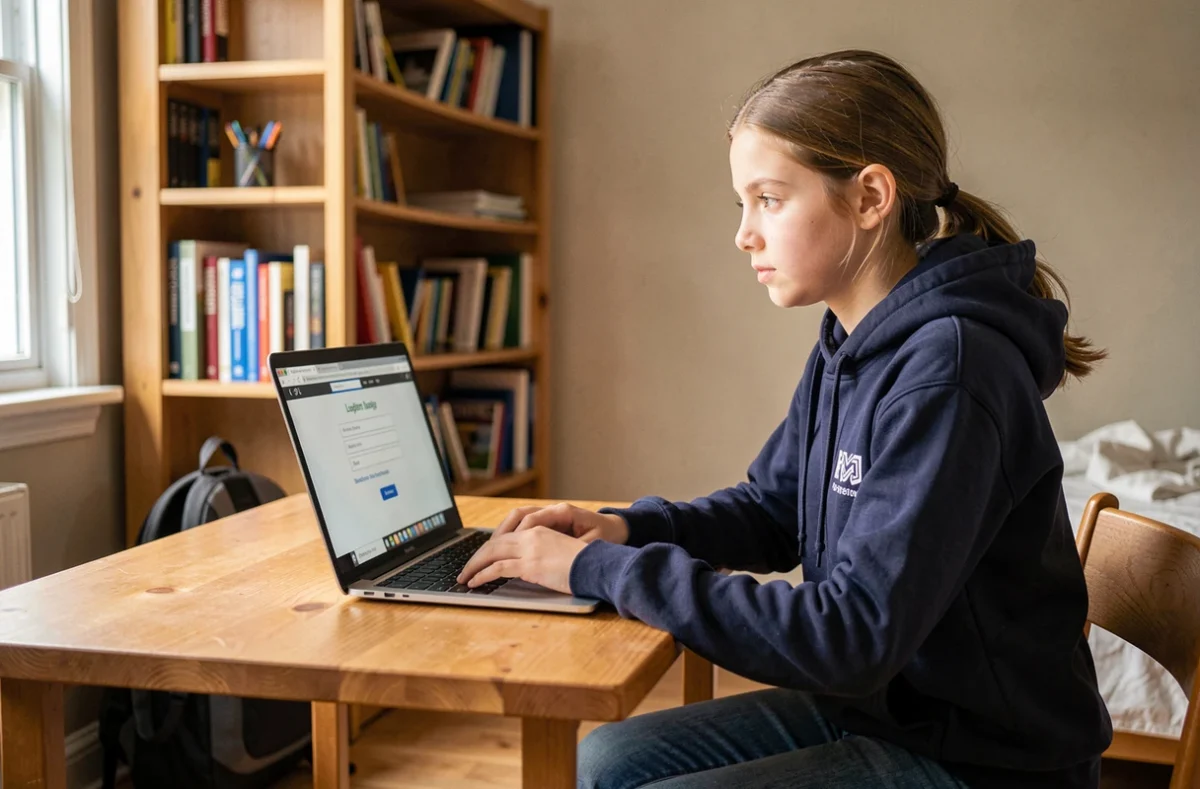
Each school year begins with the distribution of letters or forms containing temporary identifiers. These codes provide access to the school’s digital workspace (ENT), a platform that centralizes grades, schedules, messaging, and homework. Activating your first ENT account in the days following the start of school helps avoid missing out on information transmitted only digitally.
ENT Identifiers and EduConnect: Two Systems Not to Be Confused
The most common confusion concerns the source of the identifiers. Some institutions provide a unique identifier/activation code pair specific to their platform (Pronote, Skolengo, One, Toutatice, or other regional solutions). Others direct families straight to EduConnect, the national portal of the Ministry of Education, which allows access to several services with a single account.
In the latter case, activation involves creating an EduConnect account using a mobile phone number registered with the school. The received SMS contains a temporary code, valid for one use only. If the institution uses FranceConnect, the login is done via the identifiers of an existing public service (impots.gouv.fr, Ameli, La Poste’s digital identity).
Finding the steps on campus-recrutement.fr can help distinguish the two pathways depending on the ENT solution deployed in your academy. The key point to remember: a local ENT identifier and an EduConnect account are not interchangeable, even if they sometimes provide access to the same resources.
Activating the ENT Account: What Really Blocks the First Connection
The procedure itself consists of just a few clicks. You enter the identifier and activation code on the ENT login page, then choose a personal password and provide a backup email address. The usage charter appears, you validate it, and the account becomes active.

Blockages rarely occur during these steps. They happen before or just after.
- The letter containing the activation code was never distributed, or the child lost it. You then need to contact the school’s administration to obtain a new code, which can take several days during the back-to-school period.
- The email address provided during the administrative registration is different from the one the parent uses daily. The ENT sends its notifications to the address recorded in the school’s database, not the one entered during activation.
- The browser saves an old temporary password and automatically reinjects it, causing a login refusal. Clearing the cache or using a private browsing window resolves the issue in most cases.
- Some ENTs impose a strict password format (minimum length, special character, uppercase letter). The error message does not always specify which criterion is missing.
None of these obstacles are technical in the IT sense. They are issues of information and coordination between families and the administration.
Protection of Personal Data from the First Connection
Activating an ENT account involves creating a profile containing personal data: last name, first name, class, school, parental email address. The Ministry of Education and the CNIL renewed their partnership in December 2025 to strengthen the protection of this data within the school framework.
In practice, checking the information displayed on your ENT profile from the first connection is a useful precaution. Attachment errors (a child associated with the wrong parent, an incorrect class) circulate in the system as long as no one reports them.
The CNIL reminds families that they have the right to access and rectify the data processed by the institution. If any information is inaccurate or if a field displays data that should not be visible (personal phone number made public in the ENT directory, for example), the report should be made to the head of the institution or the digital referent.
ENT Account Compromise: Reflexes to Know from the Start
In September 2026, the CNIL published two practical guides on data breaches in the Ministry of Education. This timeline is not insignificant: incidents related to ENT accounts (passwords shared among students, phishing via internal email, logins from unsecured devices) are part of the situations documented by the institution.
A leaked ENT password gives access to the school’s internal messaging. This means that messages can be sent to teachers or other parents under the identity of the account holder. The risk is not theoretical.
Three reflexes to adopt from activation:
- Choose a password different from those used for other services (personal email, social networks). A reused password is the most common vector for compromise.
- Never share your ENT identifiers via SMS or instant messaging, even with your own child. If the student needs access, they normally have their own account.
- Immediately report any suspicious email received via the ENT messaging to the school’s digital referent. Phishing attempts also target school platforms.
ENT and the School Administrative Ecosystem: One Account Among Others
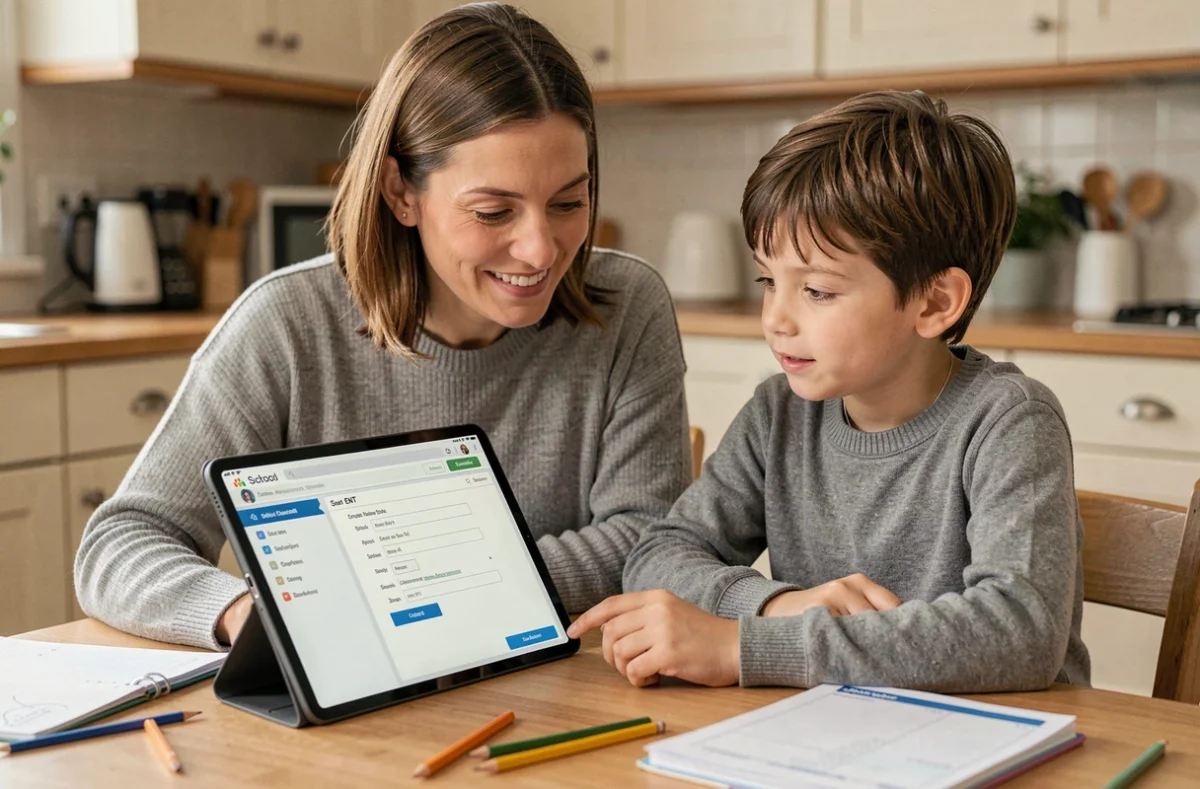
The ENT does not operate in isolation. In many academies, it coexists with other digital components: Onde for administrative management in primary education, academic online services for scholarships and guidance, or municipal applications for canteen and extracurricular activities.
Automated exchanges between these platforms exist to prevent families from re-entering the same information multiple times. However, each service may require separate activation or validation. Activating your ENT account does not mean that access to online services or the canteen space is automatically operational.
Checking, in the first weeks of school, which services are accessible from the ENT and which require a separate login helps avoid unpleasant surprises during an administrative deadline (scholarship application, canteen registration, choice of options).
The fragmentation of these tools remains a recurring friction point. Feedback from the field varies on this point according to the academies: some have unified access via EduConnect, while others maintain separate portals without a bridge. The school’s administration remains the most reliable source of information to know exactly which identifiers serve which purpose.